Audio visual in Educatinal Institute
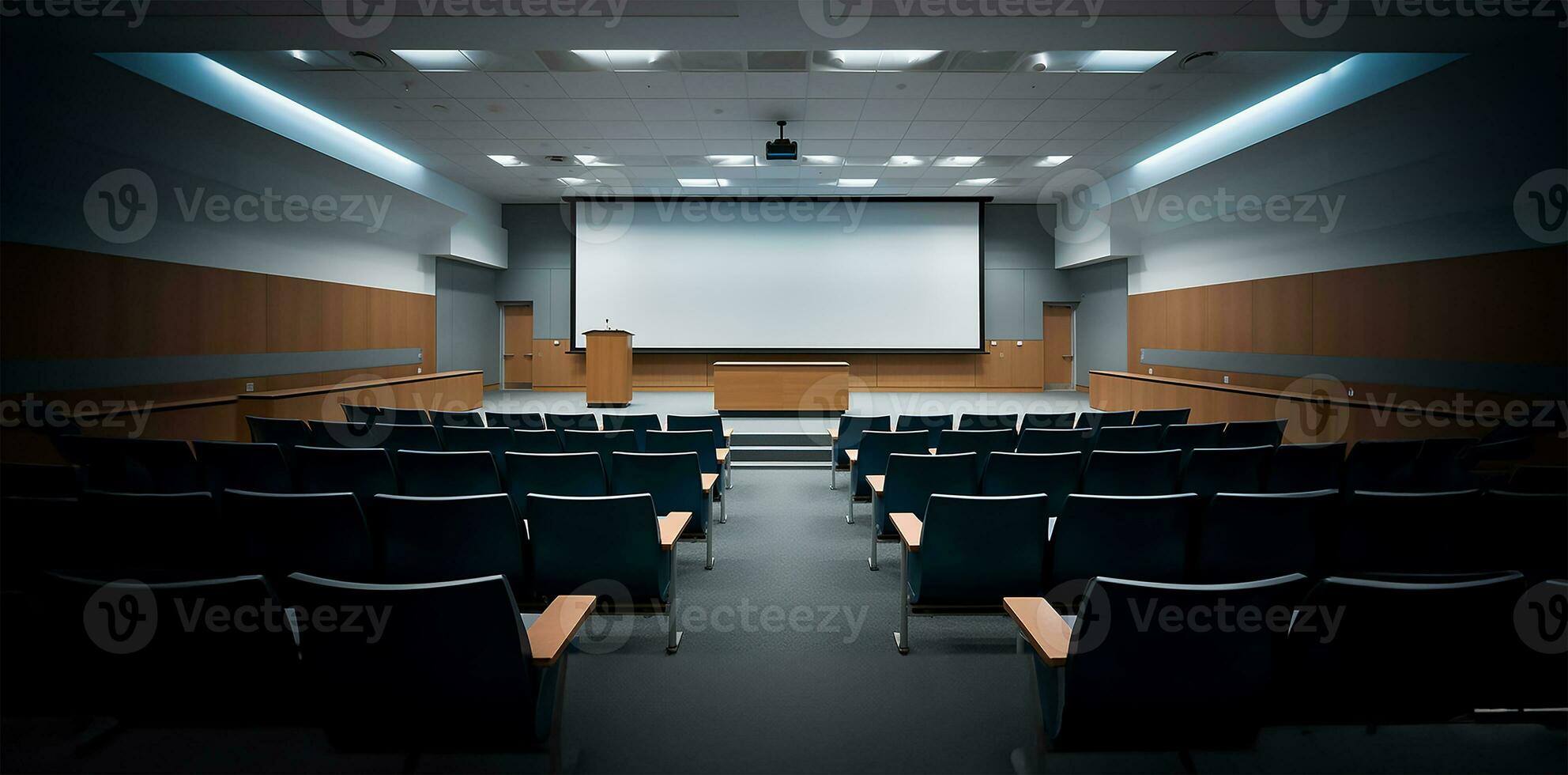
Smart Classroom & Lecture Hall
Campus- Wide System
The Integrator's Scope of Work
Smart Classroom & Lecture Hall
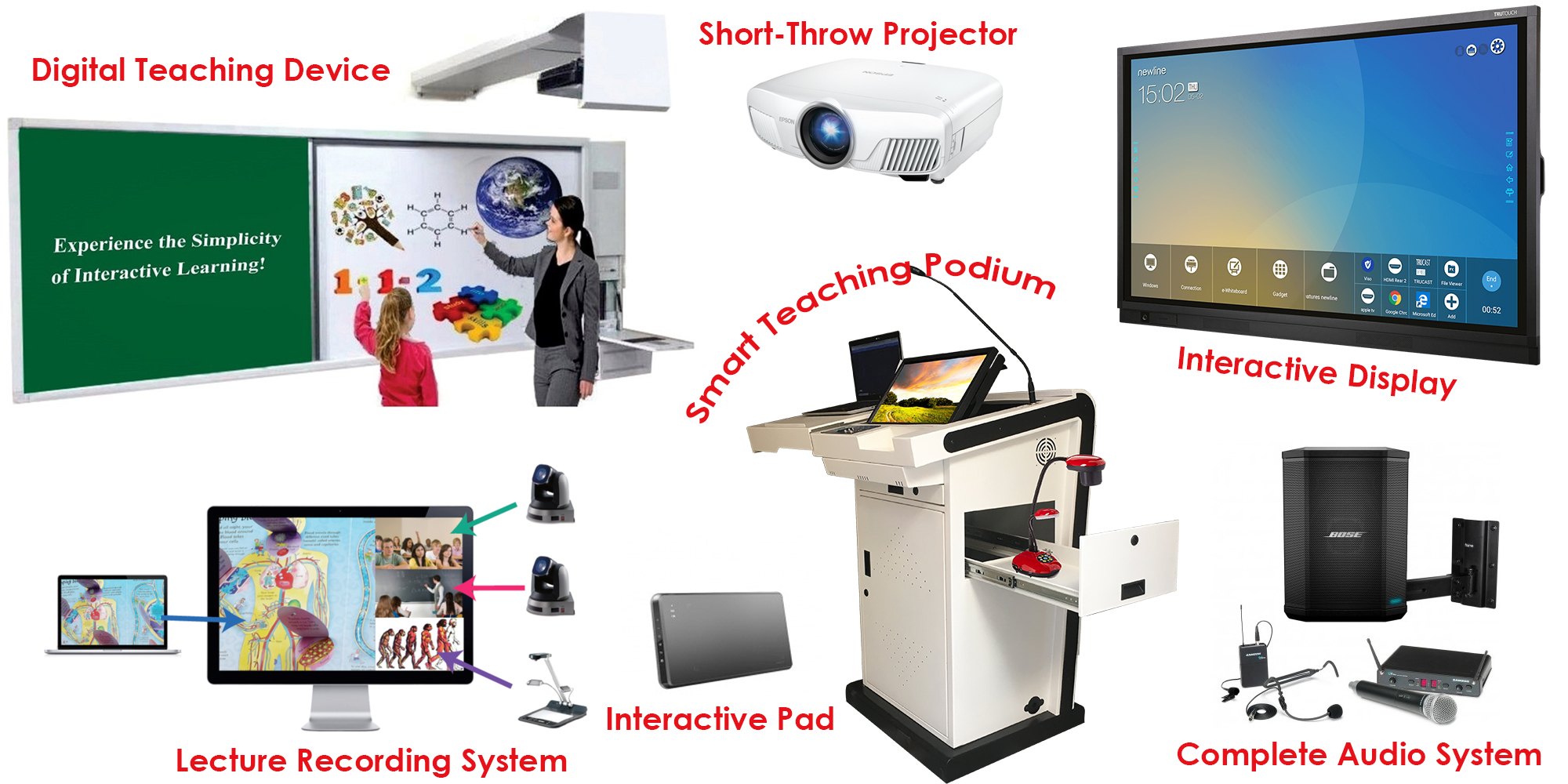
Interactive Displays: Replacing traditional whiteboards with Interactive Flat Panel Displays (IFPDs) or ultra-short-throw interactive projectors.
Lecture Capture & Hybrid Learning: Installing PTZ (Pan-Tilt-Zoom) cameras, auto-tracking software, and unified communications hardware to support seamless recording and live streaming for remote students.
Audio Reinforcement: Distributed ceiling or wall-mounted speaker systems connected to a central amplifier to ensure the educator's voice is clearly heard at the back of the room without straining.
Connectivity: Implementing wireless presentation systems (BYOD - Bring Your Own Device) So students and teachers can cast their screens to the main display instantly.
Campus-Wide System
AV work extends beyond individual rooms to encompass the entire campus infrastructure, often overlapping with broader ELV contracts.
Public Address (PA) and Paging: IP-based distributed audio for announcements, synchronized bell systems, and emergency voice evacuation (integrated with fire alarm systems).
Digital Signage: Networked displays in lobbies, cafeterias, and hallways used for wayfinding, campus news, and event schedules.
Centralized Management: Deploying software that allows the campus IT team to monitor equipment health, push firmware updates, and remotely shut down all projectors at the end of the day to save lamp life/power.
The Integrator's Scope of Work
Consulting & Design: Calculating throw distances, assessing viewing angles, and designing cable pathways.
Cabling & Termination: Pulling CAT6/CAT6A for AV-over-IP, HDMI, and optical fiber, followed by precise termination and testing.
Rack Building: Assembling the AV racks with proper thermal management, power sequencing, and cable dressing.
Control System Programming: Writing the logic for touch-panel interfaces (e.g., Crestron, Extron, or Kramer) so that a teacher can turn on the system, drop the screen, and dim the lights with a single button press.